
In partnership with

Hi fam!
Alright, buckle up. This week, we’ve got a lineup that’ll make you feel simultaneously inspired and slightly unproductive. First, we’ll teach you how to build an AI agent so efficient, it might just replace you (kidding... kinda). Then, we meet a kid who built a web scraper so smart, it could probably outscore you on an IQ test. And finally, Zoom AI—the digital assistant that’s about to save your team hours of work and make everyone question why they’re still sending emails at 2 a.m.
Let’s dive in—your future AI overlords await. 🚀
Quick jump through the newsletter:

How to Build a Killer AI Agent for Your Business (And Why You Should Start Today) 🦾🦾
AI is the new cheat code for business. It’s like discovering a Swiss Army knife that can write emails, manage customer support, and make your coffee (okay, maybe not yet). But here’s the deal—you can’t afford not to use AI. The competition is already on it.
So, let’s say you’re sitting across the table from me, and you ask, “How do I build an AI agent that actually helps my business?” I’m going to break it down for you, friend-to-friend style.
Step 1: Know What You Need the AI Agent to Do
Before we dive into tools, ask yourself:
📅 What’s eating up your time?
🕺What repetitive tasks can I automate?
🤒Where do customers or employees get stuck?
Example:
If your team spends hours responding to customer emails, you need an AI-powered customer service agent.
If your sales team struggles to prioritize leads, you want a sales assistant that analyzes customer data.
TL;DR: Nail down the problem before the solution.
Step 2: Pick the Right AI Tool for the Job
Here’s where the fun begins. Different tools for different needs. Let’s talk options.

1. For Customer Support That Never Sleeps
Tool: Dialogflow CX (Google)
Why: It’s like hiring a 24/7 assistant who speaks every language and never takes a day off. Dialogflow lets you create chatbots and voice bots that handle FAQs, customer complaints, and even sales queries.
Use Case:
Imagine you run an e-commerce site. Customers are bombarding you with “Where’s my order?” at midnight. Instead of hiring a night shift team, a Dialogflow bot answers questions instantly, tracks orders, and even upsells products.

2. For Sales That Close Themselves
Tool: OpenAI’s GPT-4 API
Why: This isn’t just a chatbot—it’s like having a smooth-talking sales pro who remembers every client’s needs. GPT-4 can craft emails, suggest personalized offers, and even predict customer objections.
Use Case:
Let’s say you sell software. Your GPT-4 agent can:
Greet leads on your website.
Recommend the best package based on their needs.
Follow up with personalized emails after the conversation.
Bonus: Pair it with tools like Zapier to sync lead data into your CRM automatically.
3. For Automating Workflow Chaos
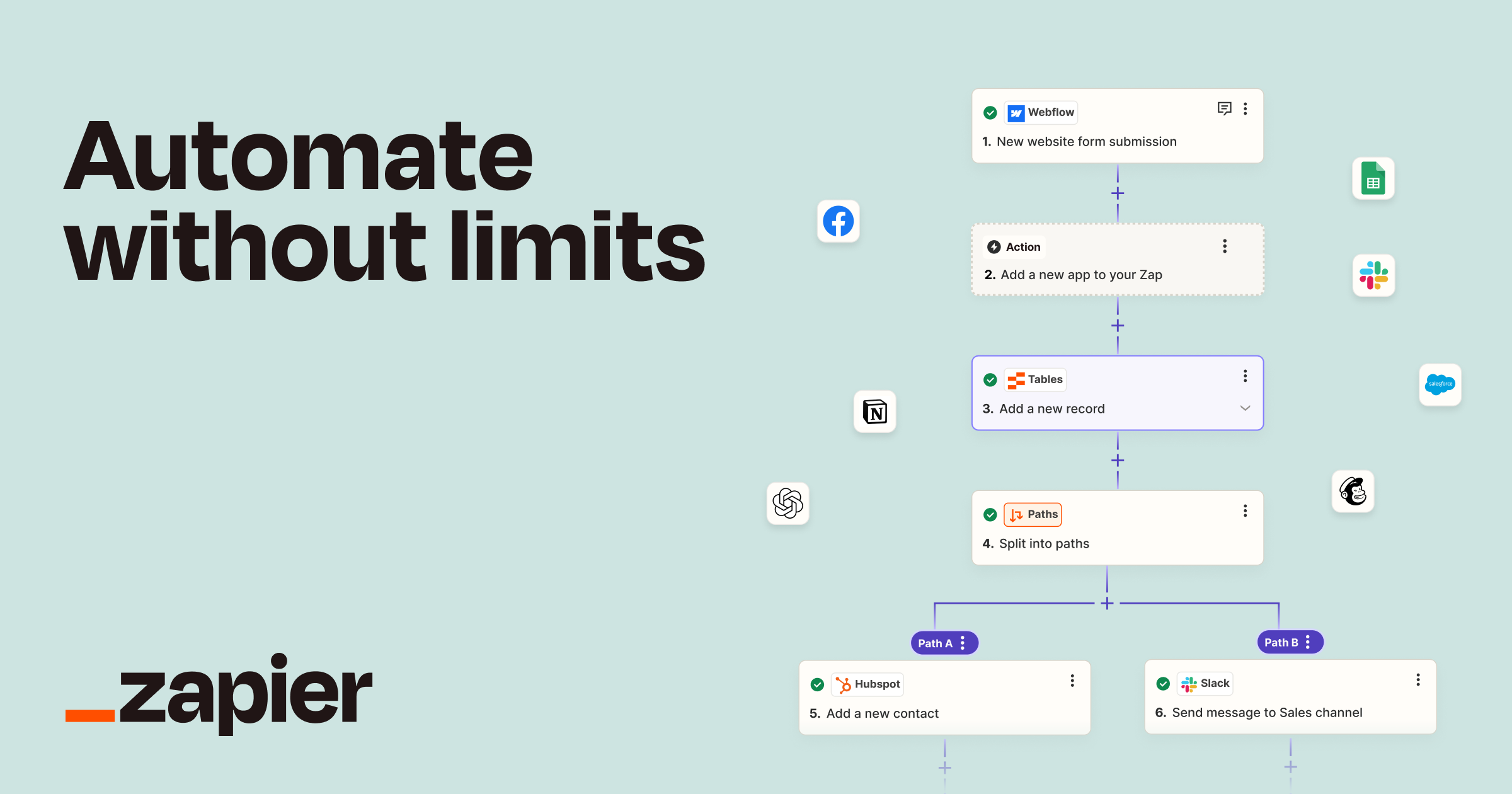
Tool: Zapier AI + GPT
Why: Zapier is the glue that holds your tech stack together. Add GPT into the mix, and you’ve got a workflow that can think for itself.
Use Case:
Picture this:
A customer submits a query via your contact form.
Zapier notifies your AI agent (powered by GPT) to draft a response.
If it’s a complex issue, the AI assigns it to the right team member.
Zero manual intervention. Total efficiency.
4. For Employee Productivity
Tool: Microsoft Copilot
Why: Think of it as an executive assistant for your entire team. It works within Microsoft apps like Word, Excel, and Teams to simplify everything from creating reports to summarizing meeting notes.
Use Case:
Your HR team spends hours combing through resumes. With Copilot, they upload a stack of resumes, and it spits out a shortlist of the best candidates based on your criteria.

5. For Complex Multi-Step Workflows
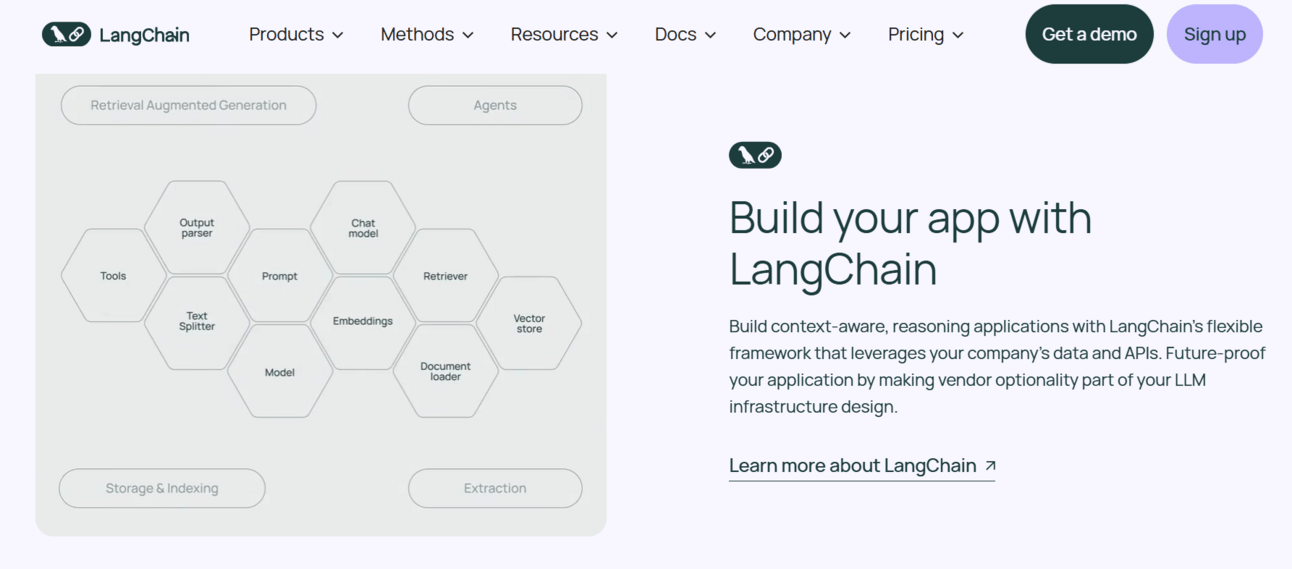
Tool: LangChain
Why: This one’s for the geeks. If you need an AI agent to do multiple tasks (e.g., research, analyze, write), LangChain lets you build a pipeline where AI handles everything.
Use Case:
You’re a marketing agency, and a client wants a competitor analysis.
LangChain scrapes competitor websites.
Analyzes their pricing models.
Creates a report with recommendations—all automated.

Step 3: Start Small and Scale
Don’t try to build an all-knowing AI agent on day one. Start with one use case:
Automate FAQs.
Generate leads.
Simplify data analysis.
Test it. Improve it. Then expand.
Step 4: Make It Human-Friendly
AI agents are great, but nobody likes talking to a robot that sounds like… well, a robot. Personalize your AI’s tone and language to match your brand. Pro tip: Use prompts to control how it interacts with users.
Example prompt for GPT:
"Respond as a friendly customer service rep. Use casual, empathetic language but stay professional."
Why Build an AI Agent Now?
Here’s the kicker: AI isn’t just a “nice-to-have.” It’s the secret weapon your competitors are already deploying. The longer you wait, the more ground you lose.
You don’t need to be a developer or spend millions. Tools like OpenAI, Dialogflow, and Zapier have leveled the playing field.
So, what’s the first task you’re going to hand over to your AI agent? Because trust me, once you start, you’ll wonder how you ever worked without it.
Go build that killer AI agent. Your business (and your sanity) will thank you.
P.S. If you need help picking the right tool, hit reply. Let’s brainstorm together!
Discover 100 Game-Changing Side Hustles for 2025

In today's economy, relying on a single income stream isn't enough. Our expertly curated database gives you everything you need to launch your perfect side hustle.
Explore vetted opportunities requiring minimal startup costs
Get detailed breakdowns of required skills and time investment
Compare potential earnings across different industries
Access step-by-step launch guides for each opportunity
Find side hustles that match your current skills
Ready to transform your income?

The Kid Who Built a Scraper That Outsmarts the Internet
Let me tell you a story about a 15-year-old kid named Arjun—a dev prodigy who decided to build a tool that could take on the internet. While most people are bingeing Netflix or scrolling TikTok, this guy woke up one day and thought, "You know what the world needs? An AI-powered web scraper."
And then he actually built it. Ladies and gentlemen, meet WebCrawlAI—the brainchild of Arjun, a tool so slick it’s like a Swiss Army knife for data.

No fuss, no big words, no fancy images. Just simple!
What the Heck Is WebCrawlAI?
Think of it like this: The internet is a giant haystack, and your job is to find the golden needle—whether it’s pricing data, research stats, or that one quote from a niche blog. Instead of spending hours digging, WebCrawlAI does the dirty work for you.
Here’s how it works:
AI Brain: It uses AI to intelligently navigate websites and scrape the data you actually need.
Customizable Filters: Want product prices? Blog titles? Restaurant reviews? Tell it what you’re looking for, and boom—it delivers.
Bright Data Integration: It’s powered by Bright Data, which means it doesn’t just scrape the surface; it gets into the nooks and crannies.
Why This Kid Is a Legend
Imagine this: Arjun’s working away on his laptop, probably fueled by noodles and caffeine, while the rest of us are busy whining about deadlines. In a few short weeks, he built a tool that companies would pay $$$ to license. And then he also made the project's codebase publicly accessible on GitHub. Check him out here Arjun Vijay Prakash.
Who’s It For? Anyone who needs web data—startups, researchers, marketers. If data is your lifeblood, this tool is your IV drip.
Why It’s Cool: WebCrawlAI doesn’t just scrape; it uses AI to make sure the data is clean, relevant, and ready to use.
Why You Should Care
Here’s the kicker: WebCrawlAI isn’t just a cool project. It’s a glimpse into the future of data automation. Arjun didn’t just solve a problem; he leveled up how we think about web scraping.
My Take
Tools like WebCrawlAI are why people say, “AI won’t replace you, but someone using AI will.” And in this case, that “someone” is a kid who decided to hustle while the rest of us were doomscrolling.
Arjun, if you’re reading this: Keep killing it. And for the rest of you? If you’re not using AI tools like WebCrawlAI to make your life easier, you’re leaving money on the table.
P.S. Want to try it out? Head over to WebCrawlAI and let it do your heavy lifting. Whether you’re scraping competitor prices or curating blog headlines, this tool’s got your back. Just don’t blame me when you realize Arjun is probably more productive than your entire team.

Zoom AI: The Lazy Genius That Saves Your Team Hours 🧞♂️
Imagine this: You walk out of a Zoom meeting, brain fried from an hour of back-and-forth. You know someone should write up the key takeaways, action items, and follow-ups. But who has the time (or energy) for that? Here’s the answer: Zoom AI.
Zoom just leveled up. Their new AI assistant isn’t just another tech gimmick—it’s the productivity hack your team didn’t know it needed.

Why Zoom AI is a Game-Changer
This thing is like a virtual notetaker, personal assistant, and accountability partner rolled into one. Here’s what it does:
Real-Time Summaries: While you’re chatting, Zoom AI listens, processes, and produces summaries so good you’d think a pro wrote them.
Action Items on Autopilot: Delegates tasks like “Follow up with Sarah” or “Send the proposal by Friday” automatically.
Post-Meeting Recaps: Sends out concise meeting notes, action items, and next steps to your entire team without anyone lifting a finger.
In short? It’s like hiring a team of executive assistants—but for free.
How This Saves Your Team Hours
Let’s break it down:
No More Manual Note-Taking: Your team stays focused on the conversation, not scrambling to jot down key points.
Fewer Follow-Up Emails: Missed a meeting? No problem. Zoom AI’s summaries ensure everyone’s on the same page, even if they weren’t there.
Clear Accountability: Action items are automatically assigned and tracked, eliminating the dreaded “What do I need to do again?” questions.
Use Case: The Small Business Superpower
You’re running a small business. Your lean team of five is already juggling customer calls, strategy sessions, and a million Slack notifications. Zoom AI steps in like a silent sixth team member:
Internal Meetings: Focus on brainstorming while Zoom AI captures ideas and assigns tasks.
Client Calls: Instantly get client feedback summarized and shared with your team.
Team Syncs: Get actionable recaps without wasting an hour rehashing the conversation.
What’s the Catch?
Honestly, not much. Zoom AI is rolling out as part of Zoom’s toolkit, and it’s designed to integrate seamlessly. Yes, there’s a learning curve, but once your team sees how much time they save, they’ll never want to go back.
Zoom AI: The Bottom Line
This isn’t just a cool tool—it’s a full-on productivity revolution. Your team saves hours, meetings feel lighter, and everyone actually knows what to do next. Want to make your team’s life easier? Start with Zoom AI.

Text generation | Image Generation | LMAI recommends |
|---|---|---|
Like Magic AI NFT 🏞️
Our master plan is to publish an NFT image in each newsletter and hand it out to our subscribers. The earlier you subscribe, the smaller the series are. It's a future collectible, a piece of digital art that captures the essence of this moment in time.
Thank you for being a valued subscriber. Together, let's embrace the magic of AI and creativity!

Was this email forwarded to you? Sign up here 👇

